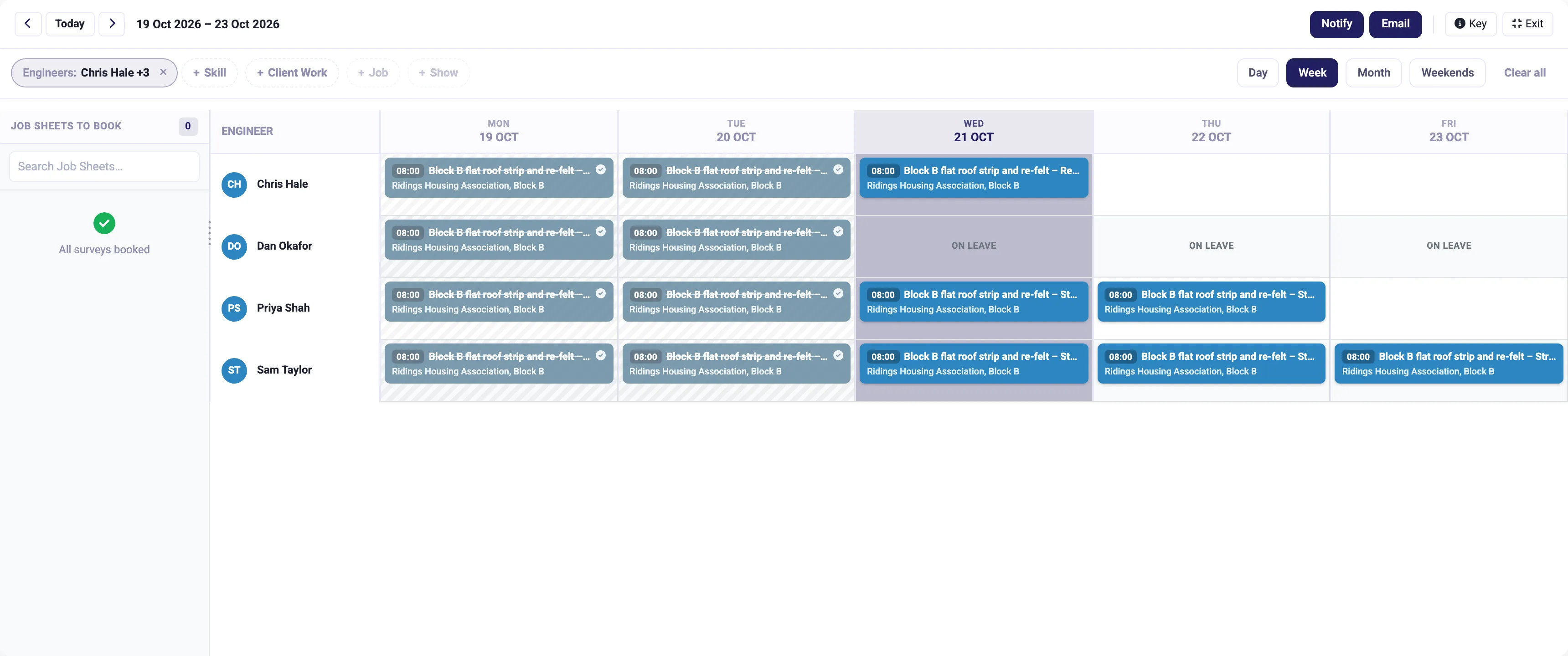
Job management
Book the right person on the planning board, run the job from the app on site, and turn the hours into the invoice.
More on job management
IceBubble CRM
Describe the survey in plain English and AI builds the first draft. Allocate the visits to your team, capture answers, photos and signatures on site, and check the results before they go out.
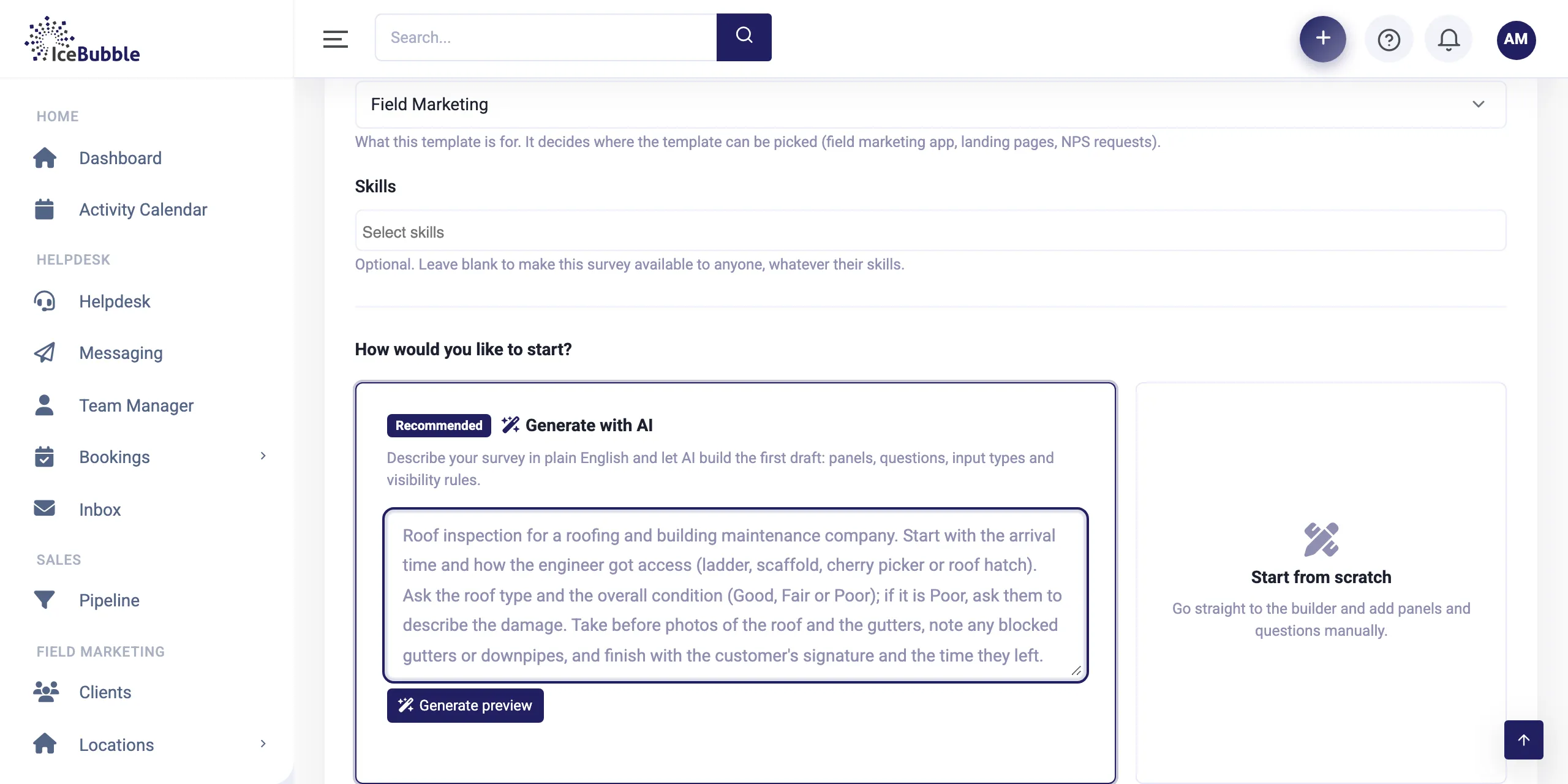
Surveys are built in minutes, done on site in the app, and checked before anyone else sees them.
Write what the survey needs in plain English, for example "start with the arrival time and how they got access, ask the condition, and if it is poor ask them to describe the damage". AI builds the first draft with panels, questions, input types and the rules for showing or hiding questions. Or start from scratch.
Why it matters: a new survey takes minutes, not days.
Allocate surveys to people by location and job, with their past work in front of you, such as completed visits, quality pass rate and when they last worked. Limit a survey to people with the right skills if you need to.
Why it matters: the right person gets each visit, and nobody is overloaded.
The team complete the survey in the app on iPhone, Android or Windows, with photos, signatures and barcodes. It works offline and syncs when the signal comes back.
Why it matters: results are captured once, where the work happens.
Completed surveys go through quality control. Reviewers approve them or reject them back for re-submission.
Why it matters: your client only sees work you are happy with.
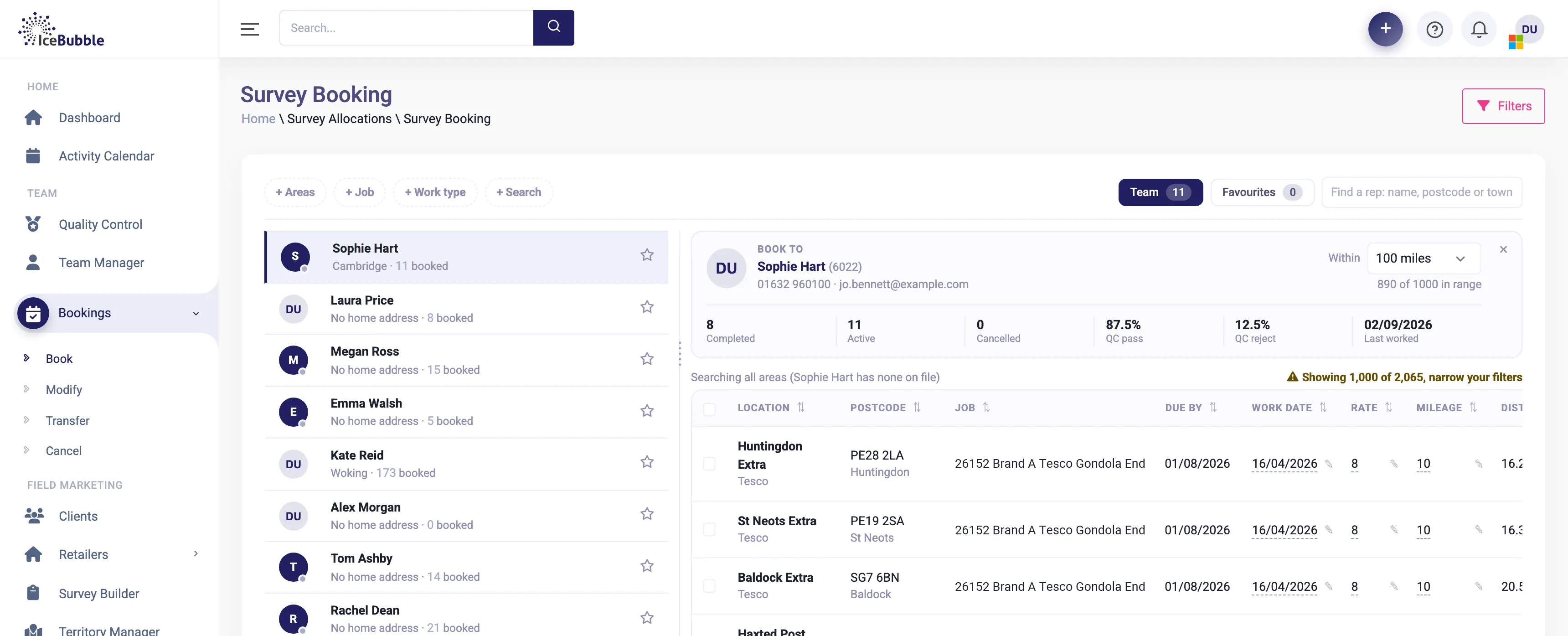
Surveys can be used in field visits, on landing pages and in NPS requests. The people doing them are the same people on your planning board, and results feed your reports and the client portal, where your clients can log in and see their own results.
Book the right person on the planning board, run the job from the app on site, and turn the hours into the invoice.
More on job management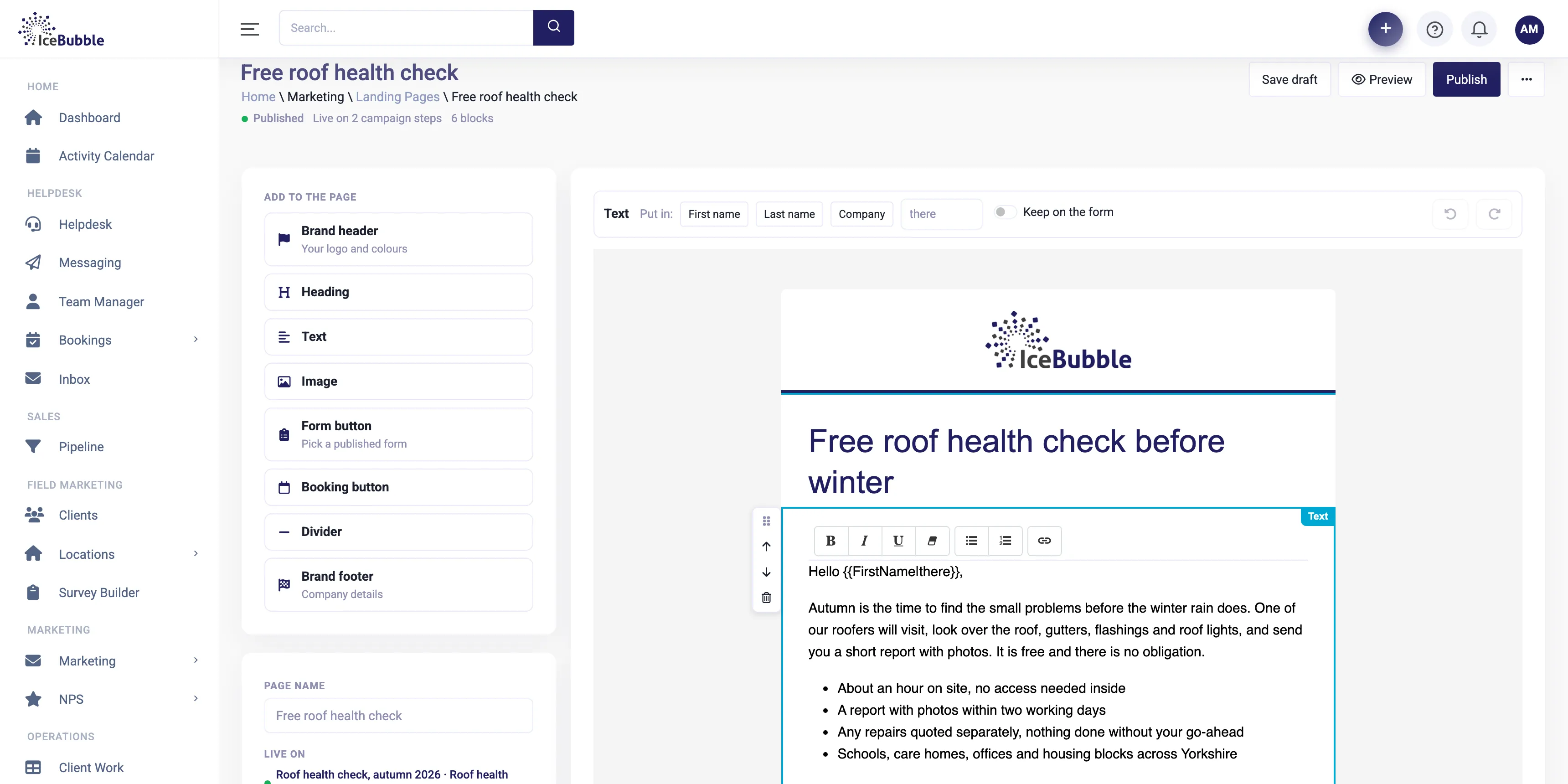
Campaign pages, emails and surveys in your own brand, built from blocks, with no web designer needed.
More on landing pages and email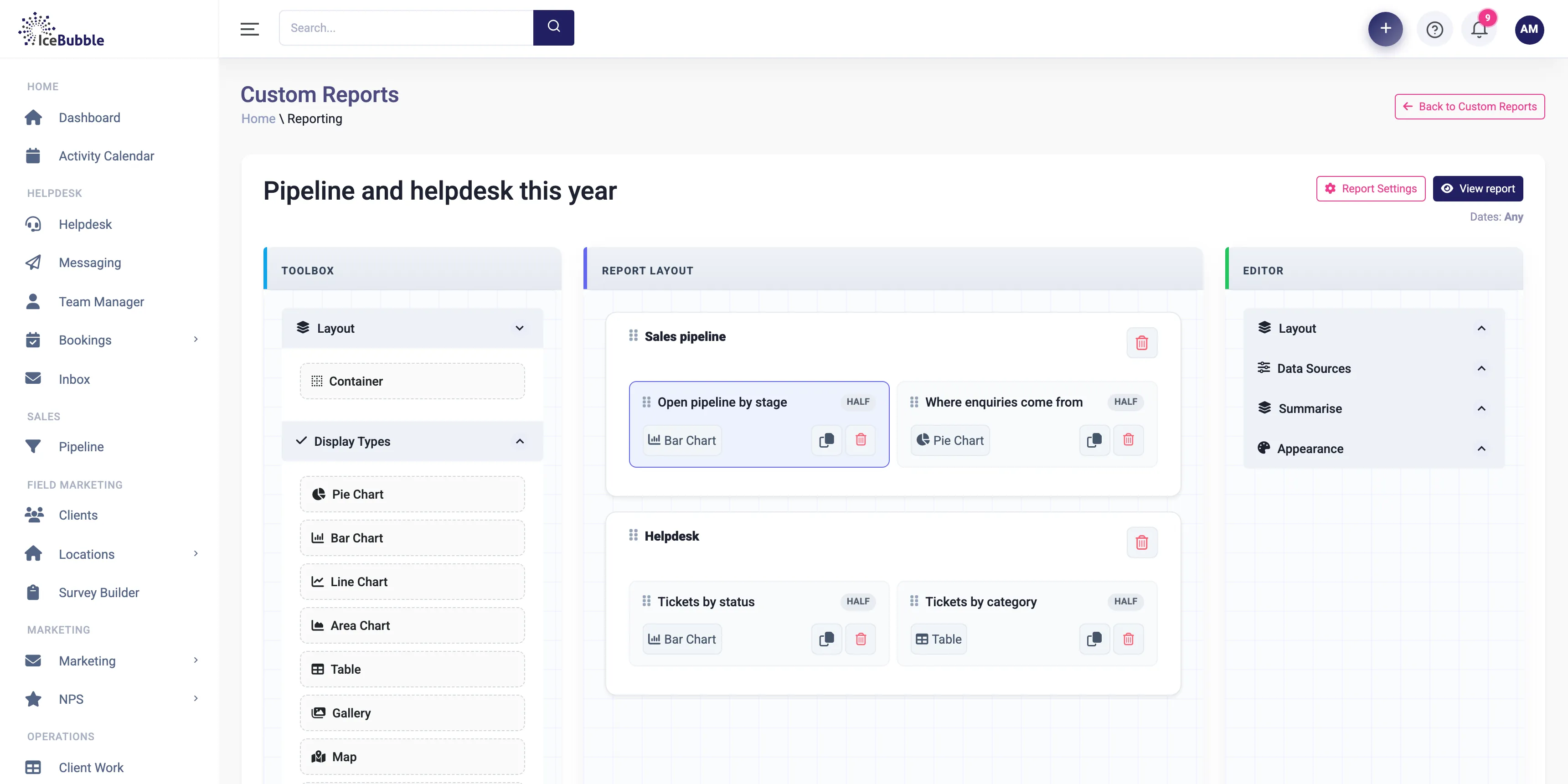
Build your own reports and dashboards, and start each day with an AI summary of sales, jobs and support.
More on reports and AI summariesYes. The app works offline and syncs when it has a connection again.
Yes. Build as many surveys as you need. With the AI survey builder a new one takes minutes.
Yes. Clients can have their own portal login to see their own results online.
Yes, it is where this part of the CRM came from. See IceBubble CRM for field marketing.
Book a demo and we'll show you IceBubble CRM with examples from your kind of business, answer your questions, and tell you honestly whether it fits.
Prefer not to book online? Call 07766 120568 or email hello@icebubble.co.uk.